AI Voice Mode for Language Learners
Episode One

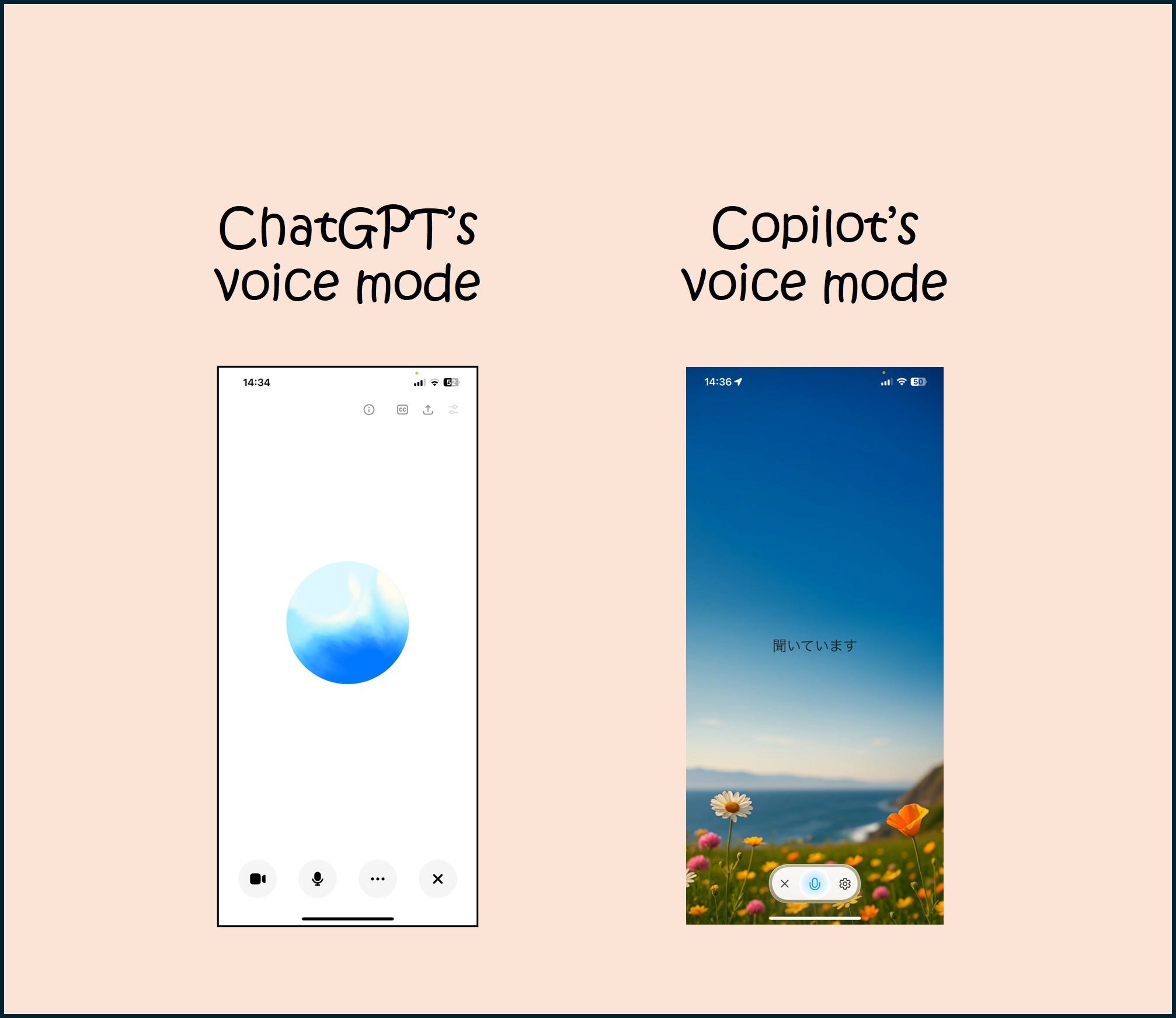
This fall, I’ll be teaching third-year Japanese, and I plan to have my students do a series of assignments using AI voice mode. Today I want to share some of the observations I’ve made while testing voice mode. I have been using a pro version of ChatGPT with my university’s license (ChatGPTedu) which is version 4o. For Copilot, I’ve been using the free version (because voice mode is disabled in our enterprise version). I hope to get access to the pro version of Copilot soon, and I am hoping I’ll have access to ChaGPT 5.0 soon as well, in which case, I will revisit and compare to see if any of the issues are improved.
Also, before I get started, a note about choosing platforms: I focused on ChatGPT and Copilot because those are the most commonly used options here. Also, it’s my understanding that Copilot uses the same LLM as ChatGPT, but in my testing so far, voice mode with ChatGPT is slightly better than Copilot voice mode (for example, the naturalness of the language used, the accuracy of the accent). But this difference isn’t significant enough to choose one over the other, in my opinion. Whichever platform you have access to will be fine. I have also tried a few AI apps that are specifically for language learning, but I haven’t found any that let you do actual speaking without a paid account.
The Good
General: For the most part, the conversation feels natural (granted, by now, this is a pretty low bar to clear). Both platforms easily switch to Japanese and let you switch back and forth as needed. Both platforms do a pretty good job of coming up with common scenarios language learners might encounter (e.g., travel-related, shopping, self-intro situations etc.) For an intermediate or above student, this seems like it could be a good way to get conversation practice in the absence of a human partner.
Learning support: both platforms provide a transcript, so you can go back and review and look up new words.
Audio: The AI’s audio response is embedded in the transcript, so you can re-listen to isolated responses by clicking on the icon next to the response you want to hear. Here, unlike during the actual conversation, you can read the AI output while listening. This is a great way to review.
The Bad
Audio: the user’s audio is not included in the transcript, so if you want to listen to yourself (which language learners absolutely should do), then you’ll have to use some other method to record the conversation.
Speed: Neither ChatGPT nor Copilot seem able to modulate their output in ways approrpriate for the needs of language learners. Voice mode generally doesn’t slow down, even when asked to explicitly. Sometimes it slows down a bit but then it seems to forget and speed up again after the next prompt.
Length: The responses are too long, there’s too much output. Both platforms present audio output basically the same way they do text, which is in a massively long stream of language, regardless of the length of the prompt. Shorter prompts are not a reliable way to get shorter responses, and asking it to keep its responses short is not successful. For many learners, this will feel overwhelming.
Text: If you’re in voice mode, you’re locked in voice mode and the platform can’t show you written text while talking to you. For Japanese learning, this is disappointing because checking the kanji for a new word is a very common learning activity. Also, AI lies and tells you it’s showing you the kanji when it’s not. So if you ask the meaning of a word, and then ask to see the kanji, voice mode happily says “yes, here it is” but there’s nothing on the screen. Certainly you could leave voice mode and come back, but that disrupts the flow.
Topic: I entered in the text of a reading and asked both platforms to quiz me on the content. Neither Chat nor Copilot were able to stick to content only included in the reading and continually branched out, asking questions that a student likely wouldn’t know the answers to, since they weren’t included in the reading.
Vocabulary: As with the topic, neither platform was good at limiting its output to terminology used in the reading. Both ChatGPT and Copilot regularly used advanced terminology that my students are not likely to know.
Quizzes: After uploading the reading, I asked AI to quiz me on the reading. If you ask it to quiz you in general, it goes one question at a time, and comments on each answer you give. (This works mostly ok, although sometimes it stops too soon). But when I specified that it ask me only about the reading I entered, the response was to throw out several quiz questions at once. I had to constantly interrupt and ask for one question at a time. Then it stopped, and rather than moving on to the next question, it said “ask me anything, anytime.” So I found that you have to keep prompting it to continue, which was annoying.
Accuracy: I have not talked about accuracy or quality so far because for now I’m mostly focusing on logistical considerations rather than actual content. But just as textual AI response output includes mistakes, inaccurate information and outright fabrications, voice mode AI response output demonstrates the same issues. Sometimes information is just wrong, and a learner would be unlikely to catch it. I haven’t noticed significant grammatical problems (yet), but I do notice accent and prosody irregularities. ChatGPT is slightly better overall in terms of accent and naturalness of conversational flow, but again, the difference isn’t huge.
This Is Not the End
As I worked through the activities, it’s clear that carefully constructing the prompts helps. But voice mode needs a lot more work before it can become a truly useful resource for conversation practice, and it’s definitely not ready for lower level learners. I’ll report back as I test it more and hopefully I will be able to report on ChatGPT 5 and the paid version of Copilot soon.
In a future post, I’ll talk about some other (and in my opinion more important) shortcomings to AI voice mode. Stay tuned!